For every client billed for backup, list the devices the contract covers, the devices actually protected in the backup tool, and the time of each device's last successful backup. Any covered device that is unprotected, or without a successful job inside your agreed window (for example 24 or 48 hours), is a service gap to fix and confirm.
01The three checks
| Check | Question | Where the data is |
|---|---|---|
| Coverage | Is every device the contract covers protected? | Agreement vs backup tool |
| Recency | Did each protected device back up successfully inside the window? | Backup tool job history |
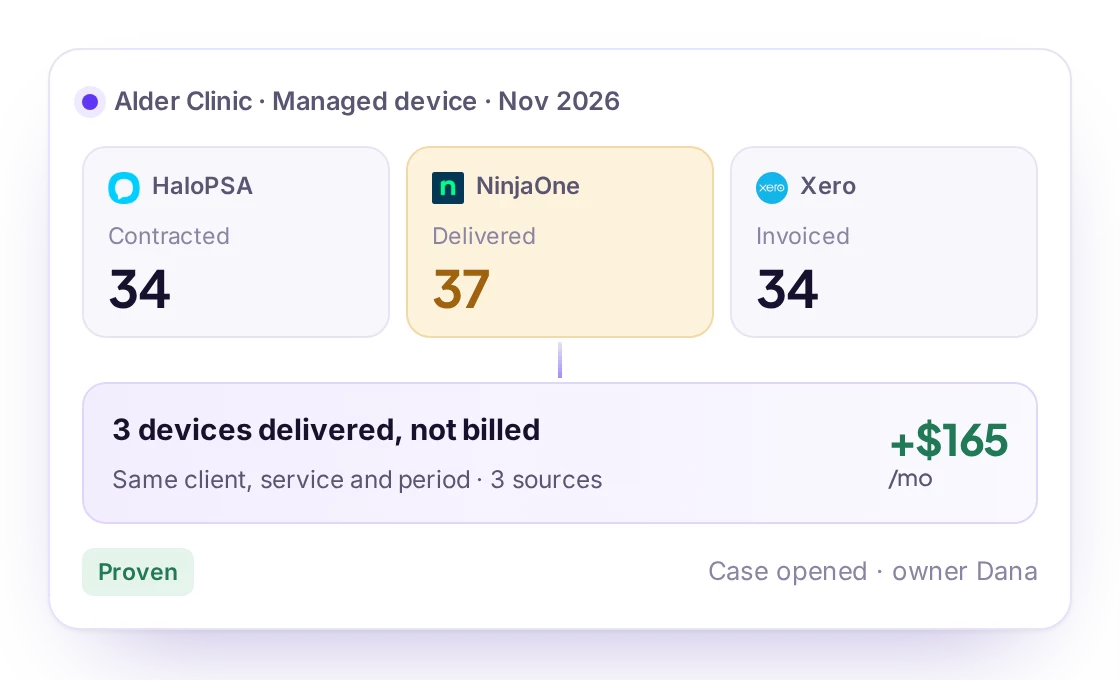
| Billing | Do we bill for what is protected, no more, no less? | Agreement vs invoice |
02Where to read it
Backup tools such as Datto BCDR, Veeam Service Provider Console, Acronis Cyber Protect and Cove Data Protection report protected devices and the last successful backup per device. The agreement in your PSA tells you what the client pays for.
Service Assurance in Revtein
Revtein checks backups, endpoint security and managed devices against each agreement, and turns every gap into a case with an owner and a verified…
See how it works- Pine Street LawBackup2 servers, no backup in 48 h
- Falcon ClinicEndpoint4 devices without an agent
- Juniper InsuranceEndpointAgent offline 3 days
- Harbor LegalBackupProtected
- Ridge Credit UnionDevices30 of 30 managed
03When a backup is missing
- Name the device and the time of the last good backup.
- Open a ticket or fix it directly, and note what was done.
- Check that a new successful backup appears. Until it does, the problem is not solved.
04How Revtein does it
Revtein reads the backup tool next to the agreement and opens a case for each client with devices unprotected or without a recent backup, naming the machines. When your team marks it done, Revtein reads the backup tool again and closes the case only if a new successful backup is there. See MSP service assurance and the endpoint protection audit.
 Datto BCDR
 Acronis Cyber Protect
 Veeam Service Provider Console
 Cove Data Protection
 Axcient x360Recover
 Unitrends Backup