When a licence cost goes up, list every client on that licence, compare your new cost with the price you charge, and check whether each contract lets you pass the change on now or only at renewal. Notify clients in writing before the change, update the recurring line, and check that the next invoice shows the new price.
01Find every client affected
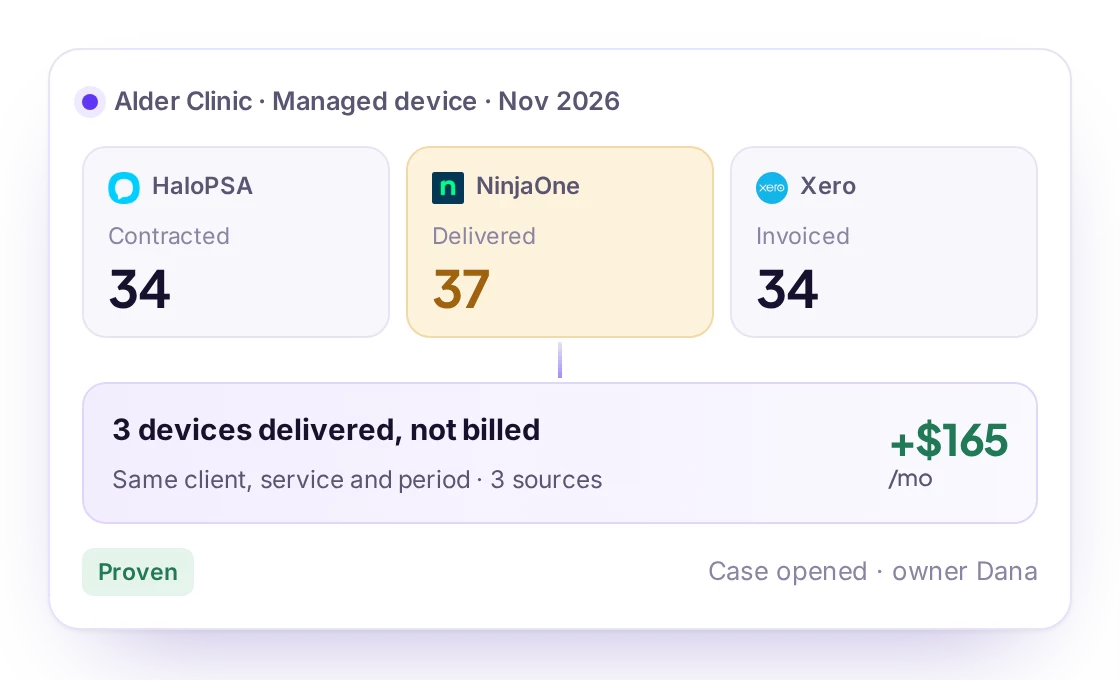
- Start from the distributor bill (Pax8, Ingram Micro and others) or the Microsoft 365 tenant counts: they tell you which SKUs and quantities each client has.
- Match each subscription to the client's agreement line in your PSA.
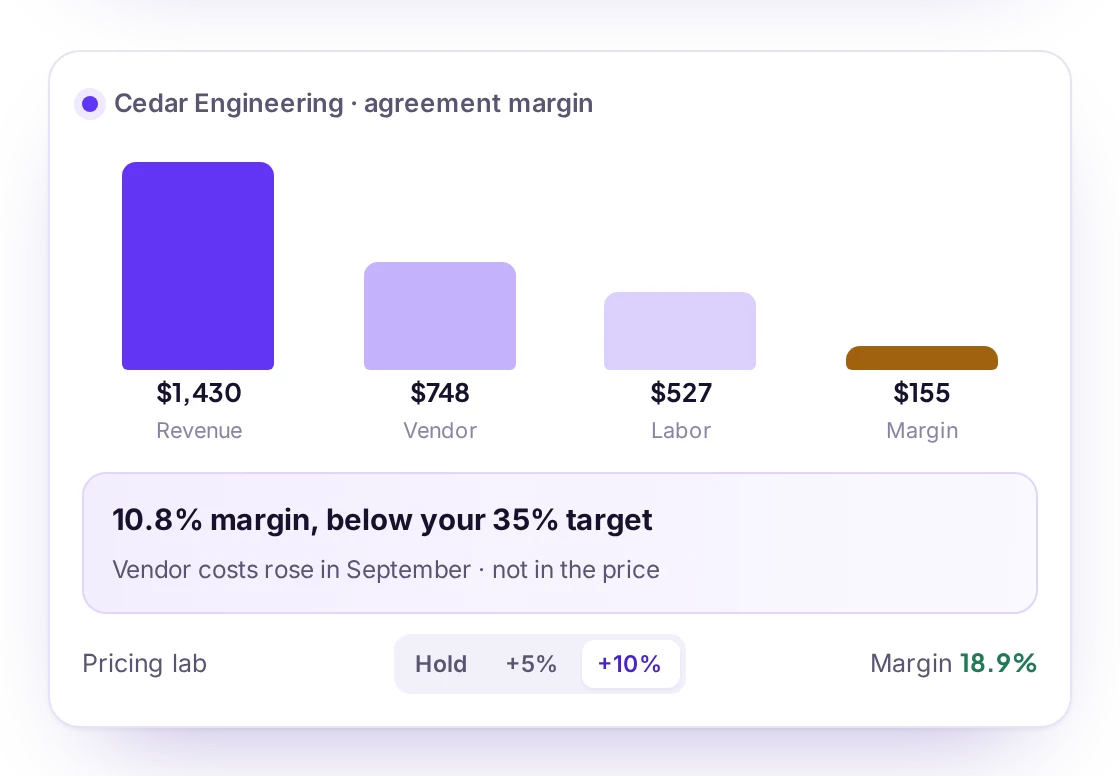
- Compare the new unit cost with the unit price on the agreement: that is the margin each client now costs you.
02Check what the contract allows
| Contract wording | What you can do |
|---|---|
| Third-party price changes passed through | Update the price with the notice the contract requires |
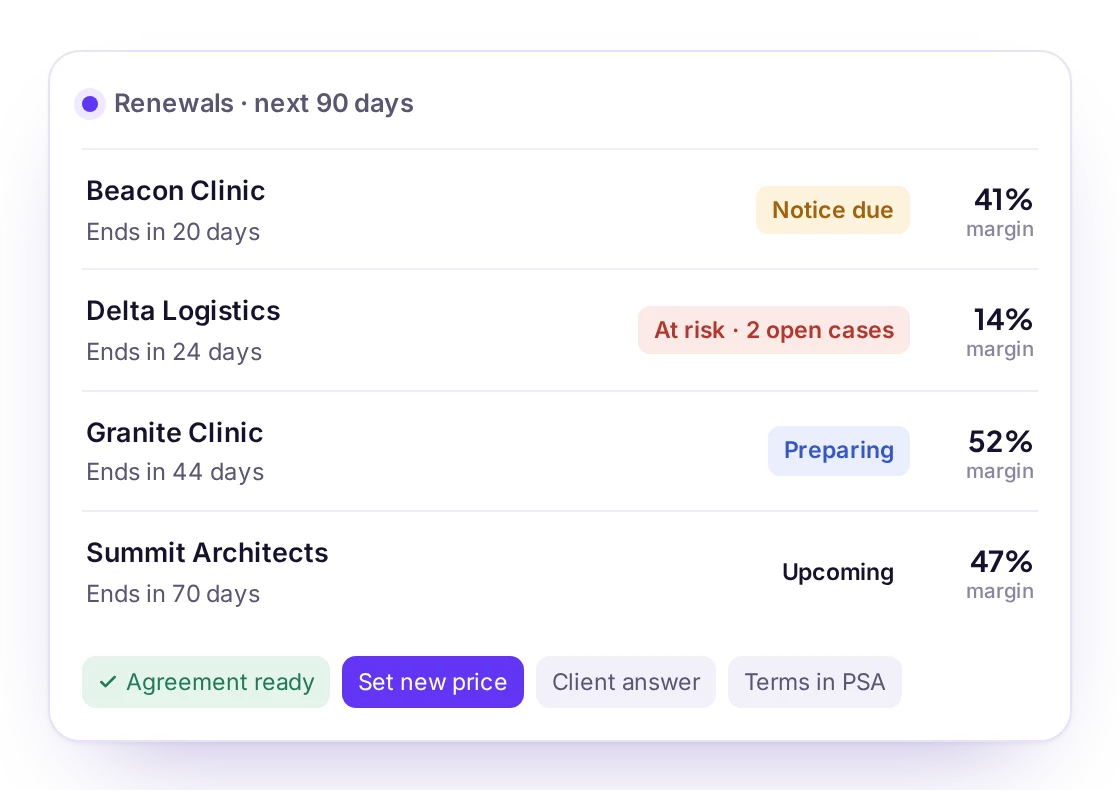
| Fixed price for the term | Absorb until renewal, then reprice |
| Silent on licence costs | Talk to the client; fix the wording at renewal |
The managed services agreement checklist has the clause to add so the next increase is simple.
Vendor Costs in Revtein
Revtein watches what your vendors and distributors charge you, compares it with what you bill, and checks the contract before calling anything lost…
See how it works Microsoft 365 Business Premium
03Tell clients before the invoice does
- Name the product, the old and new price and the date.
- Say it comes from the vendor, not from a change in your service.
- Give the total effect on their monthly bill, not only the per-seat price.
04How Revtein helps
Revtein reads distributor and licence costs next to your agreements, shows which clients a cost change affects and whether the contract allows rebilling, and lets you decide per client: update now or at renewal. See MSP vendor cost management and the licence reconciliation guide.
 Sherweb
 TD SYNNEX StreamOne ION
 Crayon (rhipe)